
Photos your friends took,all in one album.
Invite friends with one link, and the photos on everyone's phone come together in one album, in the order they were taken. No more “can you send me the photos?” in the group chat.


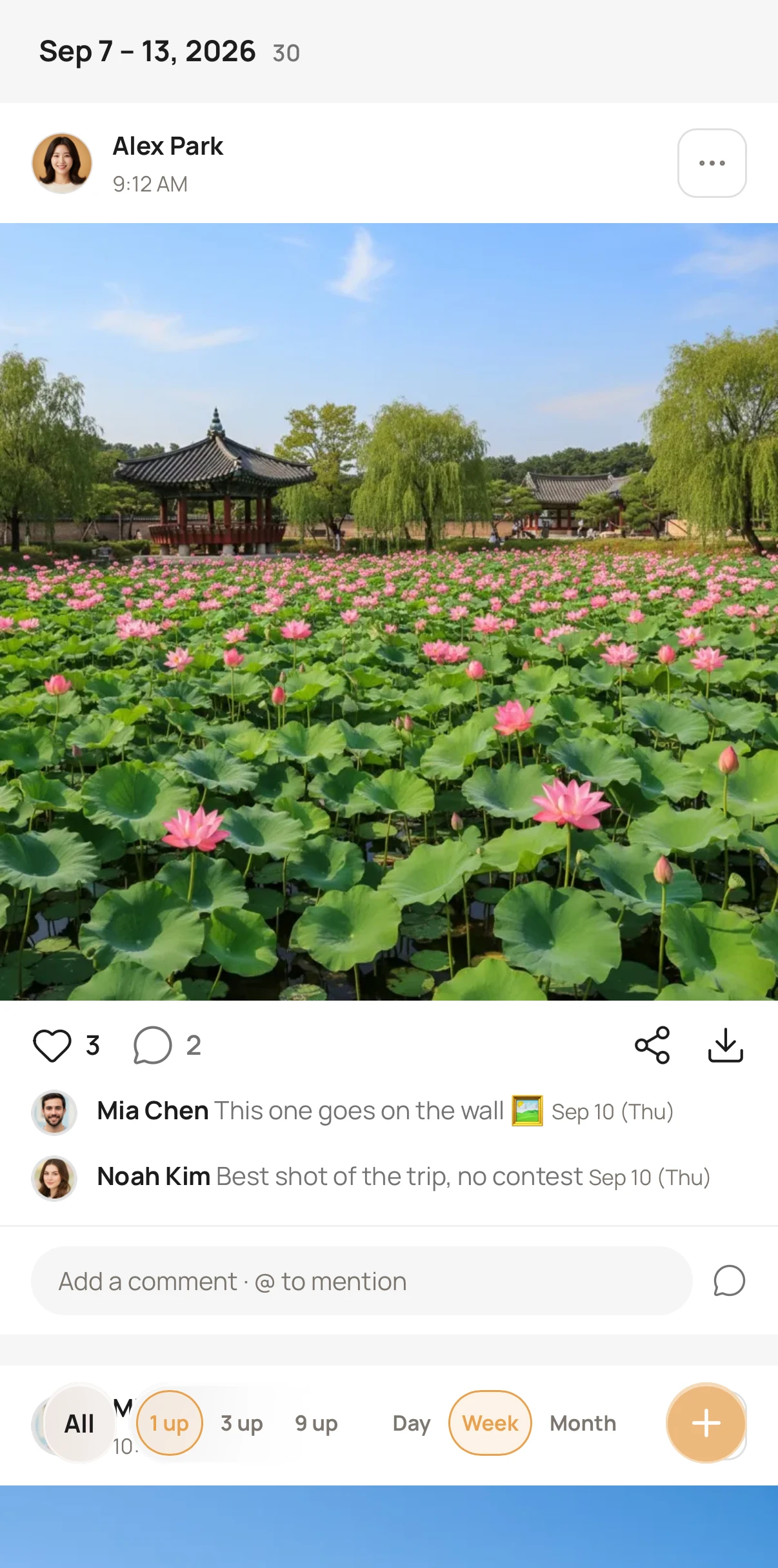
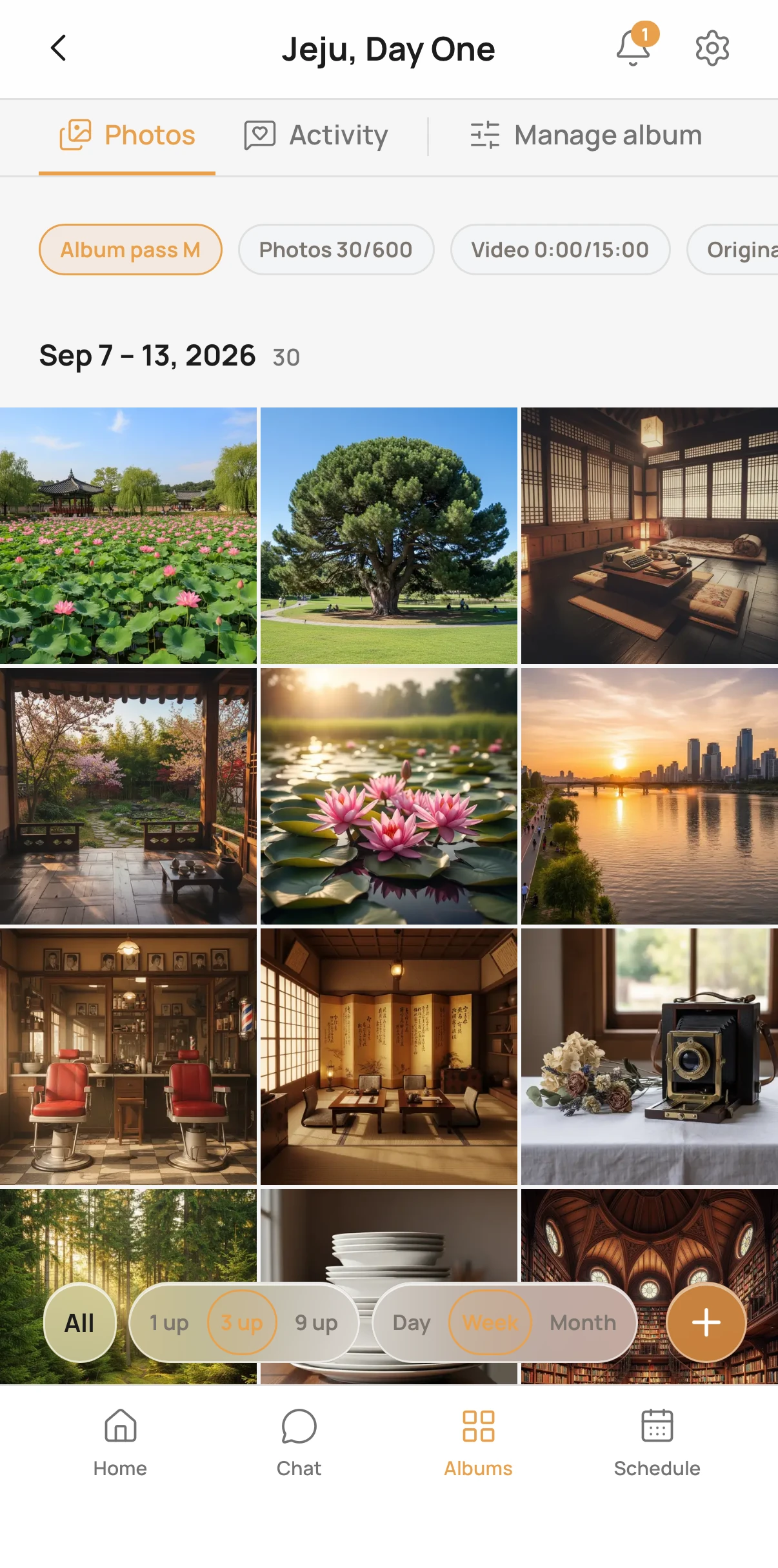
Mia added 5 memories to Jeju, Day One.
Just now
Groups, plans & chat are free
To create and to keep
135 invitation templates
Weddings · birthdays · parties · trips
Join with one link
iOS · Android · web
BEFORE → AFTER
The day after the trip —does this look familiar?
Sharing through chats and galleries
BEFORE‹ Jeju trip (4)
Jeju photos last yearJune 14, 2025Not on thisphone anymoreNot on thisphone anymoreWho has last year's photos?↑ Scrolling through a year of chat…Can't find old group photos
Scroll back through a year of chat — and they're gone when you switch phones
‹ Gallery · Recents
Duplicates
Several people send the same photo
‹ Photos & videos
Received Oct 1
No idea when it was taken
Dated by when you received it
23 / 87
Saving is a chore
Swiping through 87, saving one by one
Zoom 300%


Quality drops
“Send the original again” — every time
In a RoostDay album
AFTER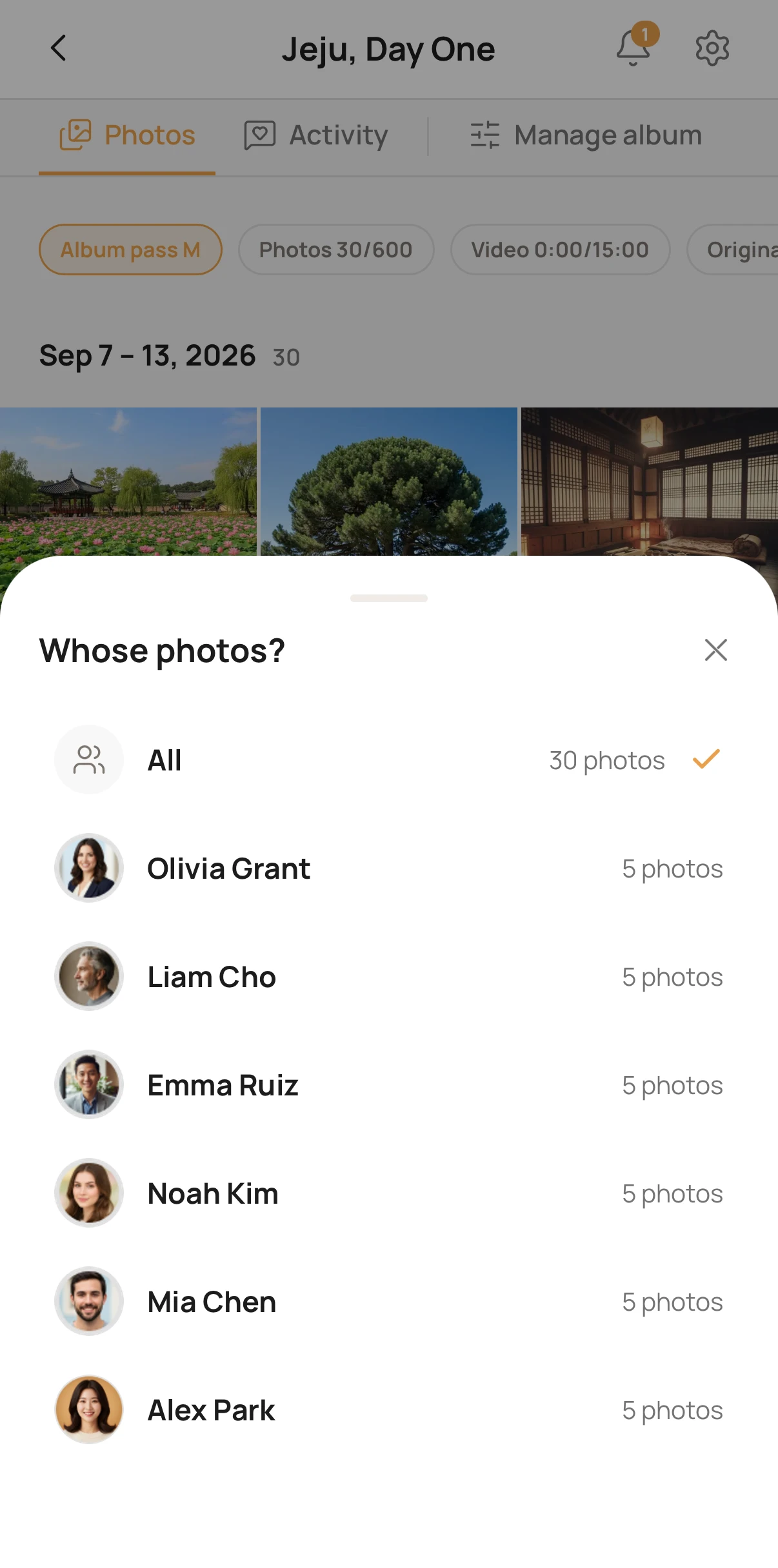
- Can't find old group photosRight there in your group's timeline, meetup by meetup
- DuplicatesThe same file is kept only once, whoever adds it. Similar shots are grouped together
- No idea when it was takenSorted by day, in the order they were taken — late adds land on their day
- Saving is a chorePick several and save them at once · free albums: your own photos
- Quality dropsPhotos go up as originals — no more “send it again”
How people use it
“When would I use it?”Here's when friends do
Follow one trip
From the day you make plansto a month later, in one app
D-14
Vote on dates · split to-dos
One poll instead of “when are you free?”. Assign the stay and the rental car as to-dos
D-day
Shoot and add right away
Whoever adds them, it's the same album — and everyone gets a notification. Tick off the bucket list too
D+1
An album already sorted by day
Already in the order they were taken. Filter by who took them, and see the day's route on the map
D+20
Late finds land in place
Found more while tidying your gallery? Add them now and they slot into that day. Free albums take photos for 30 days from the first one; album passes for 12 months
Straight from the app
Everything your group needs
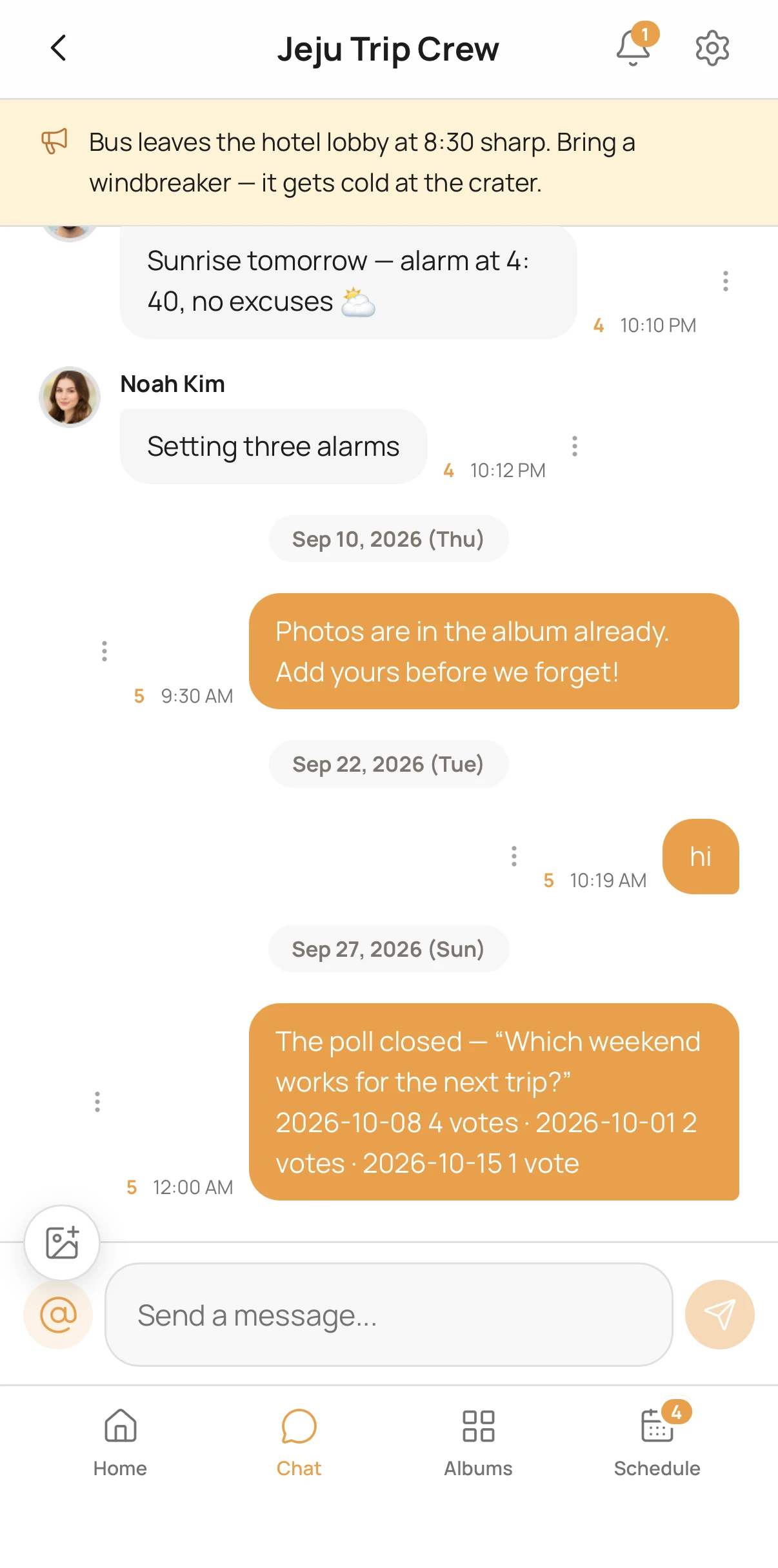
Group chat
Pin a notice at the top, and share photos right in the chat
Albums in the order they were taken
Whoever adds them, in shooting order — browse by day, week or month
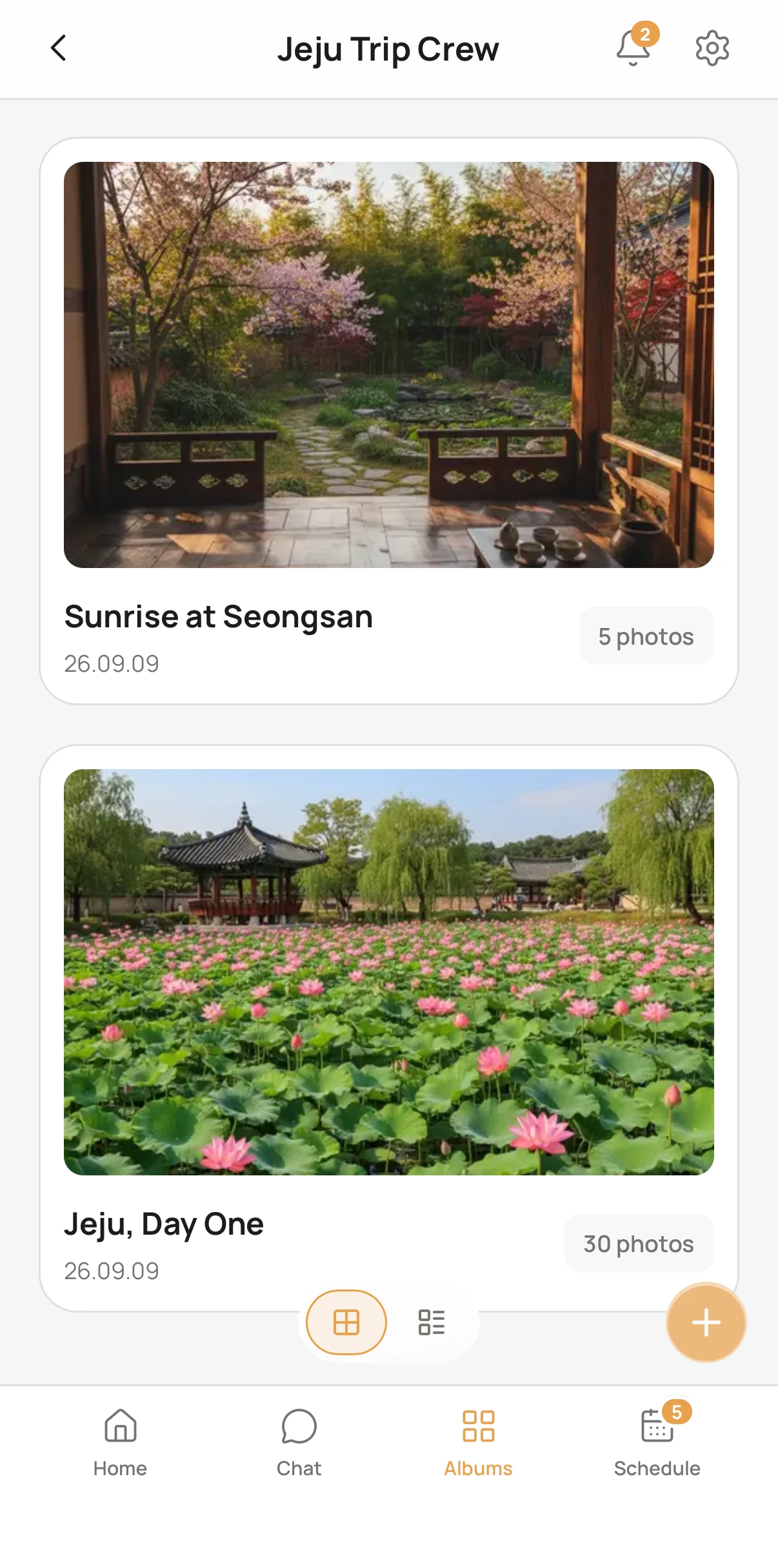
An album for every meetup
Each time you meet, one more album stacks up in your group
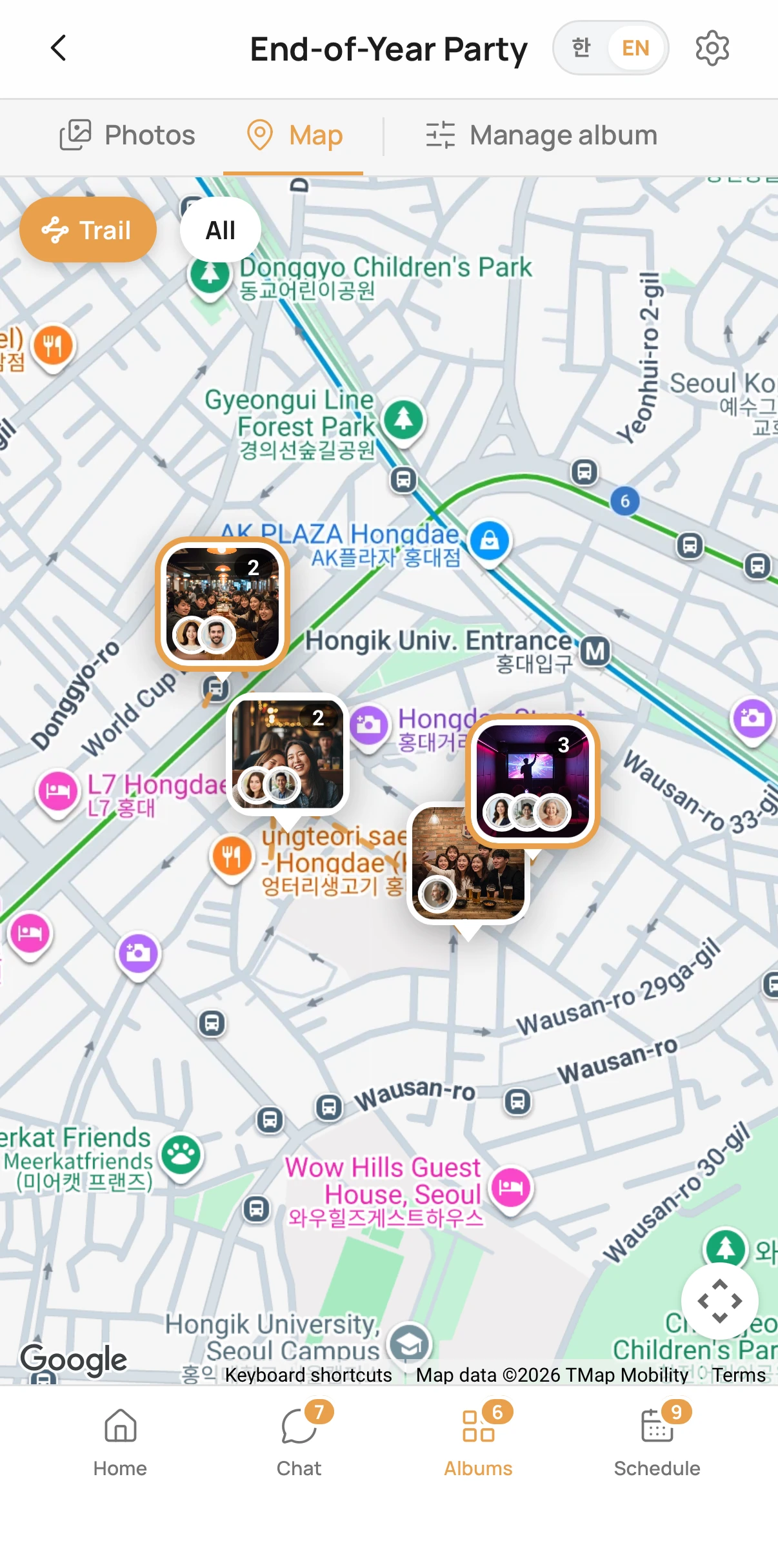
Your route on a map
Where each photo was taken, joined in time order — tap a spot to see just those photos
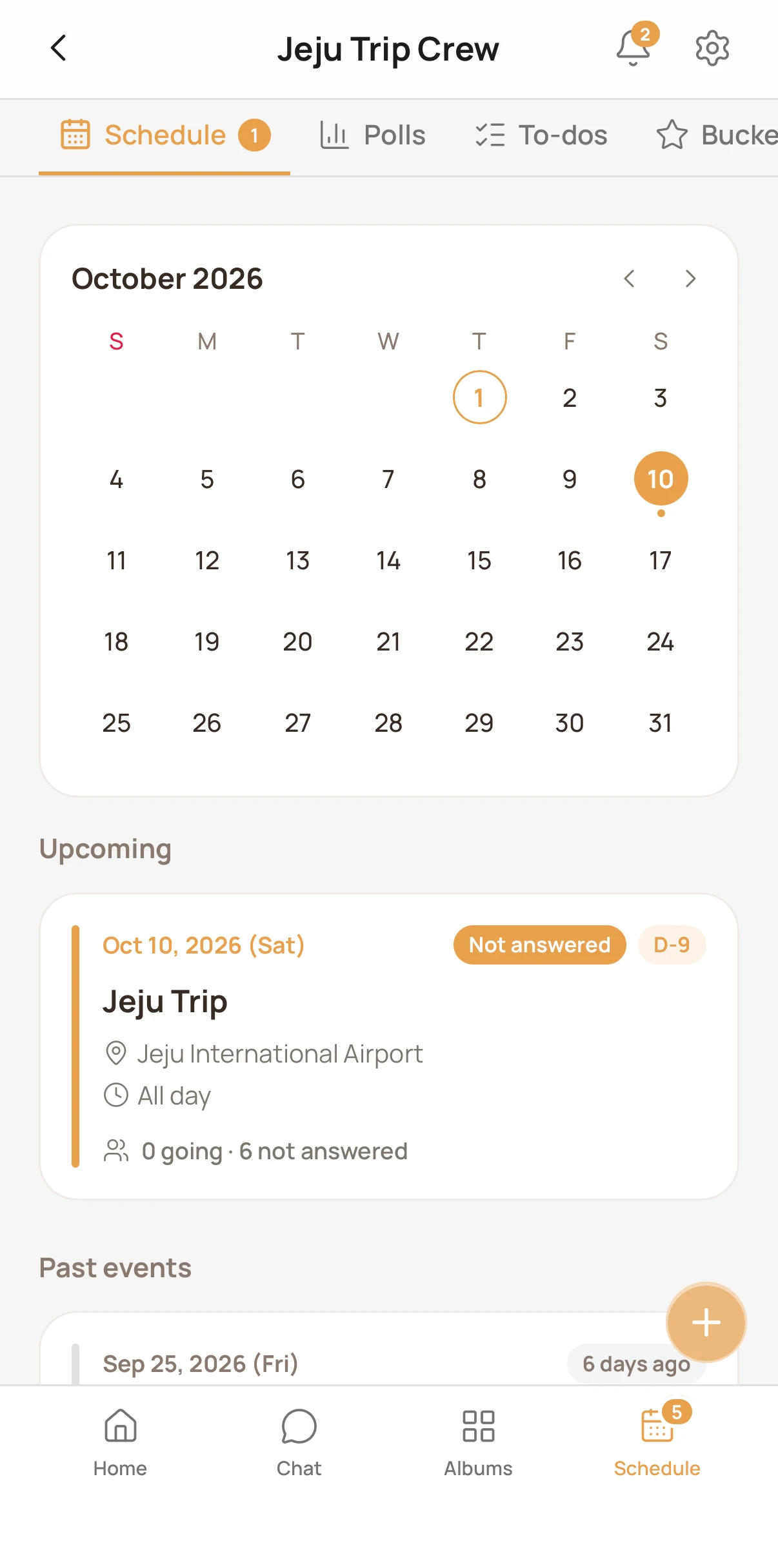
Shared calendar
What's coming up and who's going, at a glance
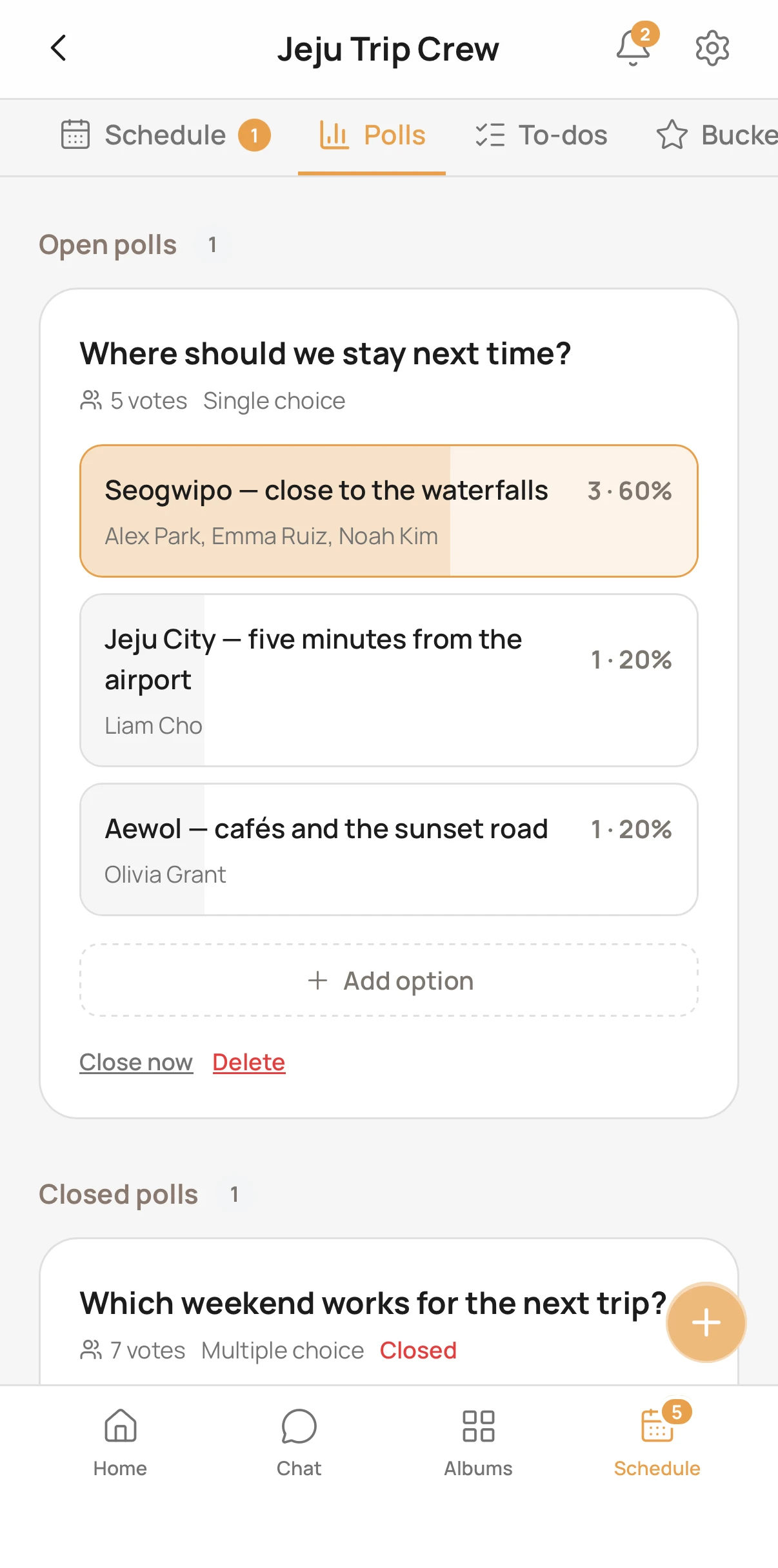
Polls
Single or multiple choice with a deadline — anonymous too
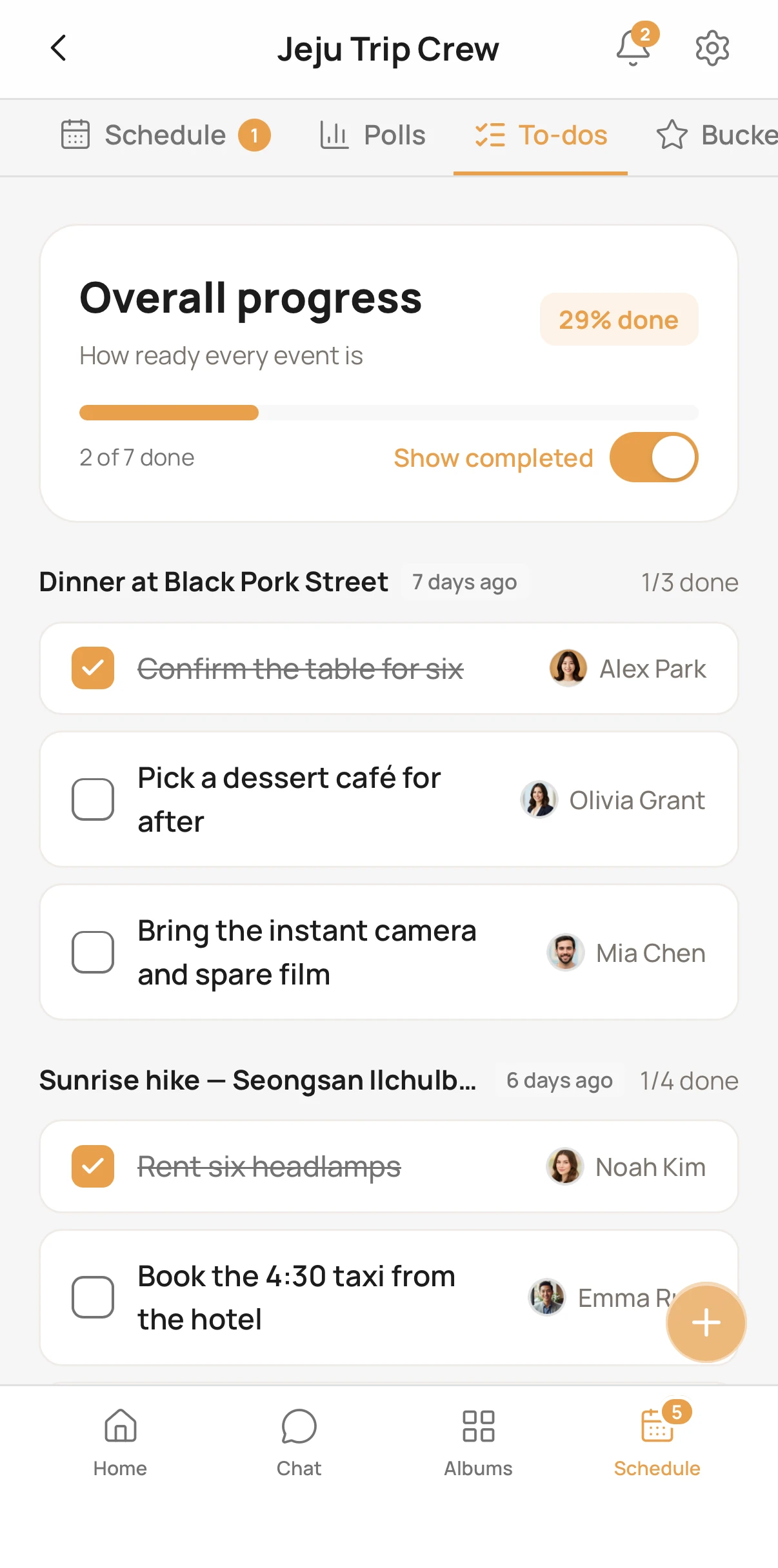
To-dos
Split the prep for each plan and assign who does what
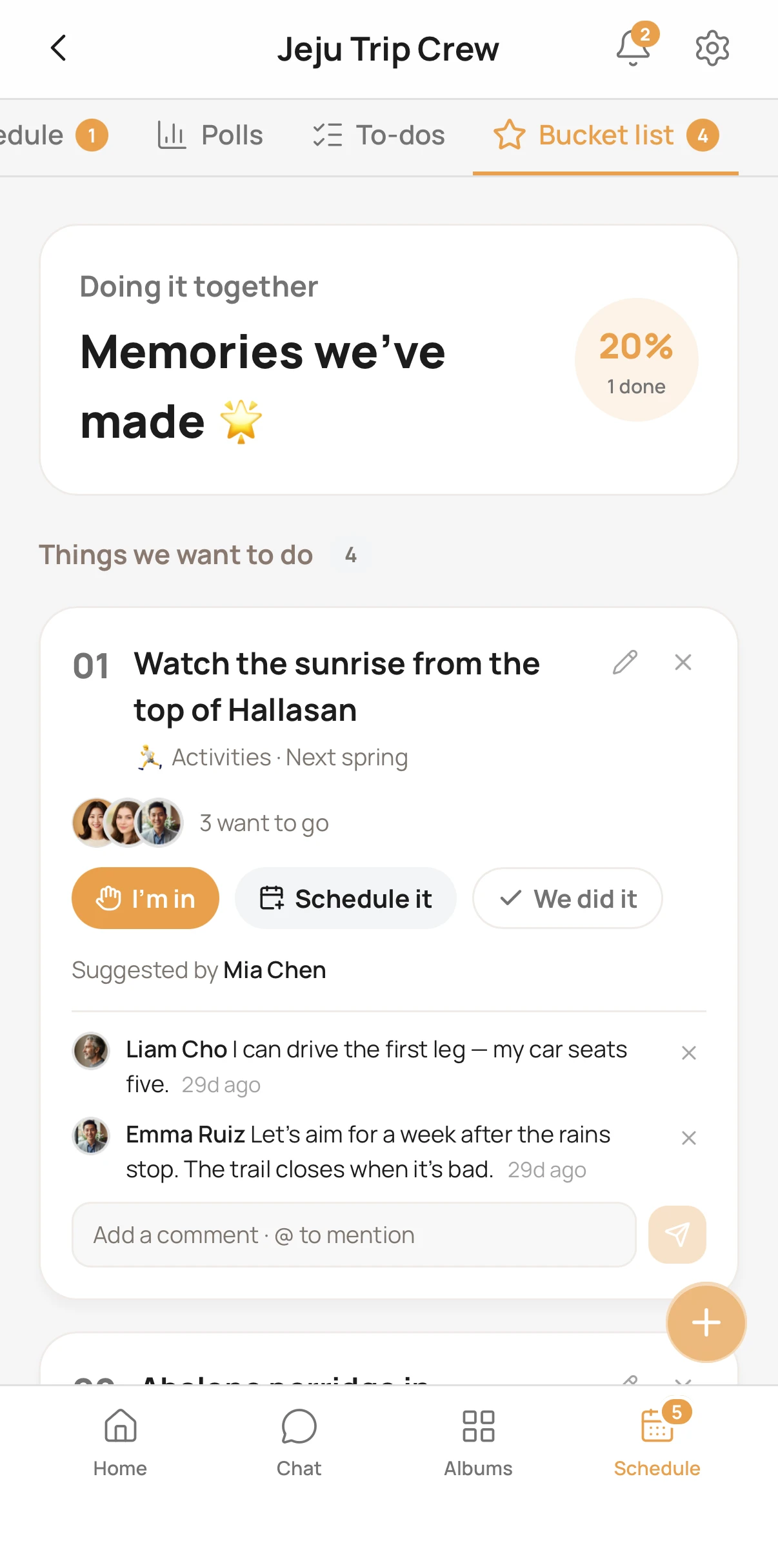
Bucket list
Collect what you want to do together, and tick it off
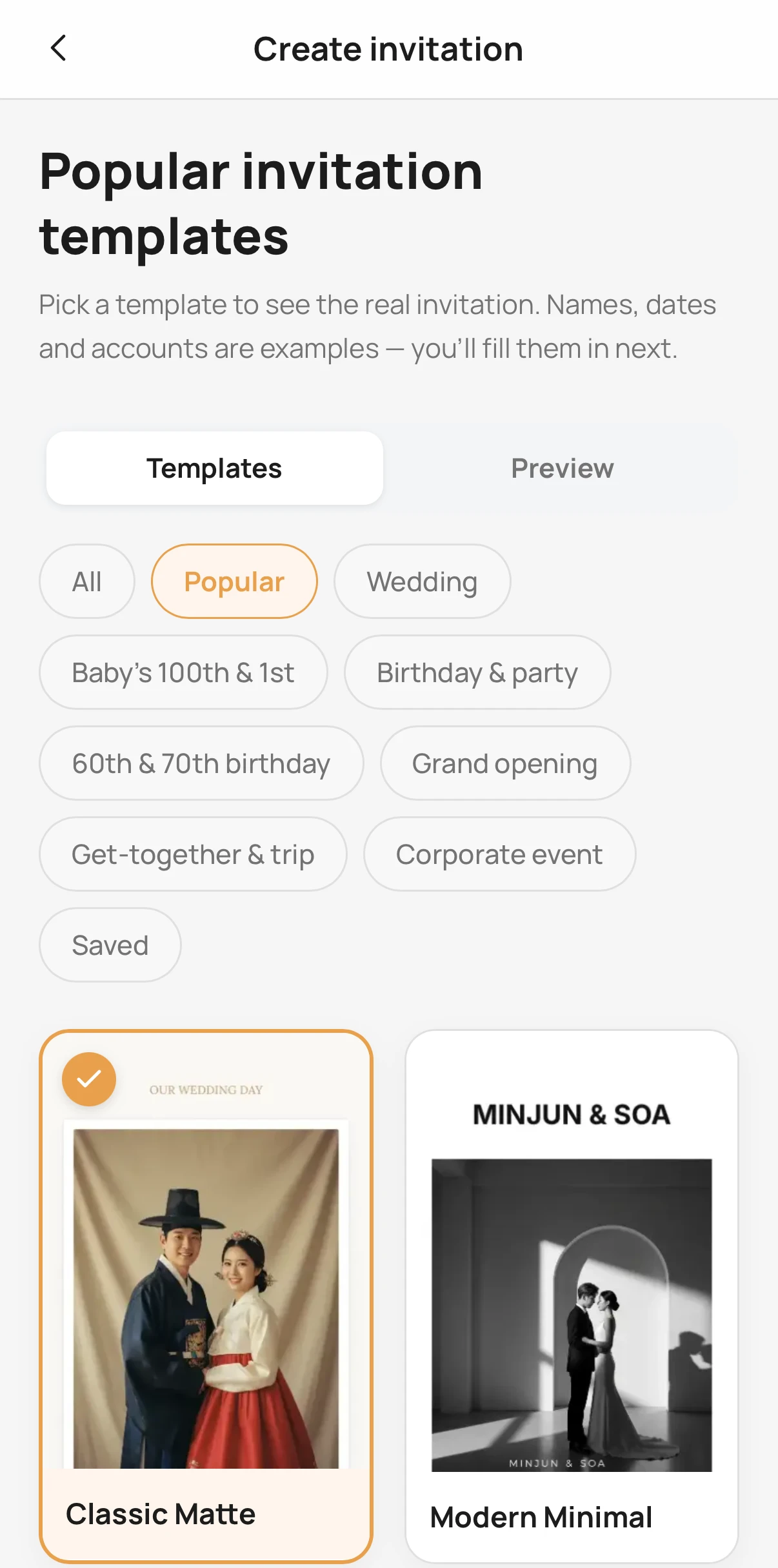
135 invitations
Weddings, first birthdays, parties and meetups — guests reply without signing in
See all invitation templates →
One minute to get started
- 1Make a groupTrip, family or friends — just name it
- 2Invite with a linkDrop one link in the chat; friends join with one social sign-in
- 3Add and look togetherPhotos, plans and polls in one place
Frequently asked questions
Groups, invitations, plans, polls and chat are free. Albums are free up to 300 photos; for a big day with lots of photos and videos, an album pass (1,000 or 3,000 photos) holds more and keeps the originals longer.
No. Friends invited by link can take part on the web. To add photos they join the group with one social sign-in. With the app they also get notifications.
Photos go up as originals. Free albums keep the originals for 30 days from the first photo, then keep a high-quality copy at 2,048px on the long edge. With an album pass, originals are kept for 12 months.
Only invited members can see it, and it doesn't show up in search.
You can remove your own photos any time, no approval needed. They stay in the trash for 15 days before they're deleted, so you can bring them back until then.
Next time, the photos gointo one album from the start.
Make it now and just drop the link in your group chat.